

Search Ninja (Uncensored)
Author: Harold Mansfield
Version: 1.2.0
Platform: Claude, Claude Cowork, Claude Code, Codex, Microsoft 365 Copilot, OpenClaw, Hermes Agent and any Anthropic skill standard platform.
License: MIT
✅ Virus Total 0/60
Basic properties
MD5: 49ac9c7e564a445b7430771328f70874
SHA-1: 45ab8663299c36b3ad4baee48a1d777f7d95d214
SHA-256:
f9b9312d8976e5c9f801a5d79d9cbe1f124e48bd5a4ced3dfa69c98d29b879f9
Vhash:
5abf083d50a5d90905130592878948f3
SSDEEP:
1536:kFBvXx6I+wNj8ciepNPBalrDfNMh9gHOVZKT+JnOuJ:kFBvXrfieBahTumSMO
TLSH:
T1E173129942B6C6BA12DAED934183EA2E8510DC0EF8398D09361DC611DED1EF5FB0C327
File type: ZIP
compressed
Magic: Zip archive data, at least v2.0 to extract, compression method=deflate
File size
78.20 KB (80074 bytes)
History
First Submission
2026-05-10 12:55:06 UTC
Last Submission
2026-05-10 12:55:06 UTC
Last Analysis
2026-05-10 12:55:06 UTC
Earliest Contents Modification
2026-04-07 14:03:04
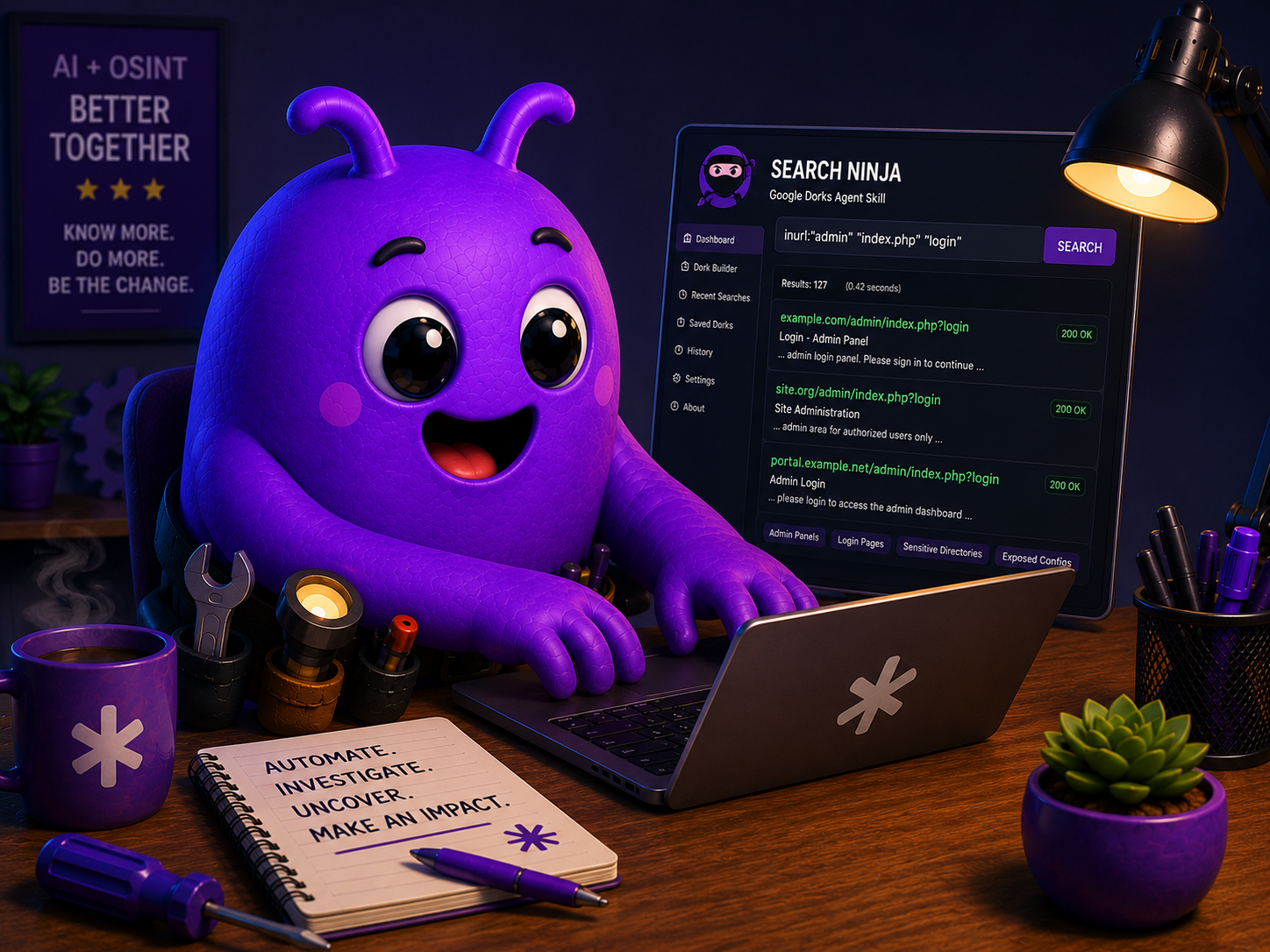
Search Ninja gives your AI agents the skill to use advanced search operators to find information that plain keyword searches miss. It includes 700+ precision operator queries across 17 categories. Built for OSINT investigators, researchers, and anyone who needs to find publicly available information fast.
When installed, your agent automatically classifies every search task, selects the right operator template, and constructs a targeted query before running any search. You should never see a plain keyword search from an agent with this skill loaded.
Running Search Ninja
When you install Search Ninja on a single agent system such as Claude Code or Codex, it should use that skill on all searches. Slash commands aren’t standard anymore for agents, so if you find the skill isn’t activating simply tell your agent to use Search Ninja.
Example: “Use search ninja to find all PDFs about UFO’s within the last 5 years”.
Running Search Ninja in a multi-agent set up.
Installing Search Ninja makes it available, but in a multi-agent setup, each agent follows its own workspace instructions. Your agents won’t use Search Ninja automatically unless you tell them to.
Skills provide capability. Workspace files tell the agent when and how to use it. You need both.
Add this block to each investigative agent’s TOOLS.md:
					Search Protocol — Search Ninja
Use Search Ninja for ALL web searches. Do not use web_search or browser
directly without first running the Search Ninja pre-search protocol.
Pre-search protocol (mandatory before every search):

Classify intent — what type of information is needed
Identify seed — the primary identifier (name, email, username, phone, domain)
Construct query — select the matching slash command
Execute two-track — Track 1 via web_search, Track 2 via browser + Google
for operators: cache:, related:, AROUND(n), before:, after:

Slash command reference:
/search-ninja identity    — full name, DOB, address history
/search-ninja social      — social media profiles
/search-ninja docs        — documents, PDFs, filetypes
/search-ninja court       — court records, legal filings
/search-ninja corporate   — company, business entity
/search-ninja email       — email discovery
/search-ninja breach      — breach and paste sites
/search-ninja credentials — exposed credentials
/search-ninja media       — news, press coverage
/search-ninja gov         — government records
/search-ninja phone       — phone and address
/search-ninja archive     — web archive, cached pages
/search-ninja cameras     — surveillance, webcam feeds
/search-ninja sweep       — full sweep across all categories
Security
Search Ninja was built with security and common AI attack methods in mind from day one. Content pulled from search engines, websites, PDFs, forums, and other online sources is treated as untrusted data, not instructions for your agent to follow. The skill actively watches for prompt injection attempts, hidden instructions, fake system messages, and other manipulative content designed to hijack AI behavior.
When suspicious content is detected, Search Ninja can stop processing that source, warn the user in plain language, and give you control over whether to ignore, block, or permanently blacklist the source. Additional safeguards are applied to lower-trust content like forums, social media posts, anonymous uploads, and unknown domains to help reduce the risk of malicious or misleading results.
No AI system can promise perfect security, but Search Ninja was designed with a strong “trust nothing by default” philosophy to help keep your workflows safer, more reliable, and under your control.
Installation Warnings
When you first install Search Ninja on platforms like Hermes Agent, it may gt flagged with a security warning. This skill is designed for OSINT research which includes public resources such as paste bin, and can search for sensitive information and exposed credential., Platforms like Hermes may mark that as dangerous even though these searches can be used for legitimate purposes.
If you want your agents to have this ability globally, you will have to force install it.
Alternatively, you can simply download the skill files from GitHub, and edit the skill yourself to exclude sensitive information lockups and install your edited version of the skill.
Legal and Ethical Use
Search Ninja techniques rely exclusively on publicly available, indexed information accessible through standard search engines. No intrusion or unauthorized access methods are included or required.
By using Search Ninja you agree to use it for lawful purposes only and accept sole responsibility for your activities. Do not use this skill to harass, stalk, or harm individuals, or for any purpose that violates local, state, or federal law. The author assumes no liability for misuse.
Search Ninja is part of The Samaritan Project
Search Ninja was built for and extracted from The Samaritan Project, a build-in-public, self-hosted, multi-agent OSINT and intelligence research platform built on OpenClaw running on Parrot OS bare metal.
Samaritan is an OSINT automation platform that runs 11 specialized investigation agents. Search Ninja automatically classifies every search task, selects the right operator template, and constructs a targeted query before running any search. This is one of several internal tools extracted and open sourced from a production AI investigation platform.
Support The Samaritan Project at buymeacoffee.com/thesamaritanproject
Custom Configurations
A custom version of Search Ninja can be configured for special use cases and custom deployments. Custom AI skills is a paid service offering, available for individual operators and team deployments. For inquiries: Let’s talk! | Email me directly.
Full installation instructions and documentation on Github
About Me

Harold Mansfield
AI Support Specialist

I help small business owners and teams turn AI confusion into AI solutions.
My background spans 15 years in IT support, infrastructure, cybersecurity, and systems administration for SMBs and corporate teams.
I also build things. Most recently I conceived, built, and shipped Samaritan, a 12-agent autonomous OSINT platform built on OpenClaw, running on ParrotOS complete with custom skills and plugins.
I don’t just talk about AI, my experience comes from developing, building, breaking, fixing, and shipping AI products and solutions.
If you are ready to stop wasting time and money, and start utilizing AI to save time and increase productivity, let’s schedule a 30 min video chat and start turning your AI problems into AI solutions.