

Humanize
Author: Harold Mansfield
Version: 1.1.0
Platform: Cowork, OpenClaw, Claude Code, Codex, Hermes Agent and other Anthropic standard platforms.
License: MIT
✅ Virus Total 0/60
Basic properties
MD5
be20f66081f02a975a866c5affd11840
SHA-1
7297e8e6dd3e1c95d0064f91d1ebf8ff2da57ea8
SHA-256
afc97a0c3976a090c9b66260f5aa5e8e1ecd457e78e454c3d91a438013debafc
Vhash
9275e5c72c85c653a1c6bba9b75cf754
SSDEEP
192:6GThgOmKZNP92fQ5pD8PpMQVPosxsEeNJ+pIctztx0KpXk:ntgOmMyspUMsPowTkJeztx0oXk
TLSH
T130E1AE70383694DDE73E9634F0511983BB3CE12F41EA699F80ACF1468CB9FD1565426B
File type
ZIP
Magic
Zip archive data, at least v2.0 to extract, compression method=store
TrID
OpenClaw skill package (69.2%) ZIP compressed archive (30.7%)
Magika
ZIP
File size
7.04 KB (7210 bytes)
History
First Submission
2026-05-10 17:30:14 UTC
Last Submission
2026-05-10 17:30:14 UTC
Last Analysis
2026-05-10 17:30:14 UTC
Earliest Contents Modification
2026-05-10 12:52:04
Latest Contents Modification
2026-05-10 12:55:12
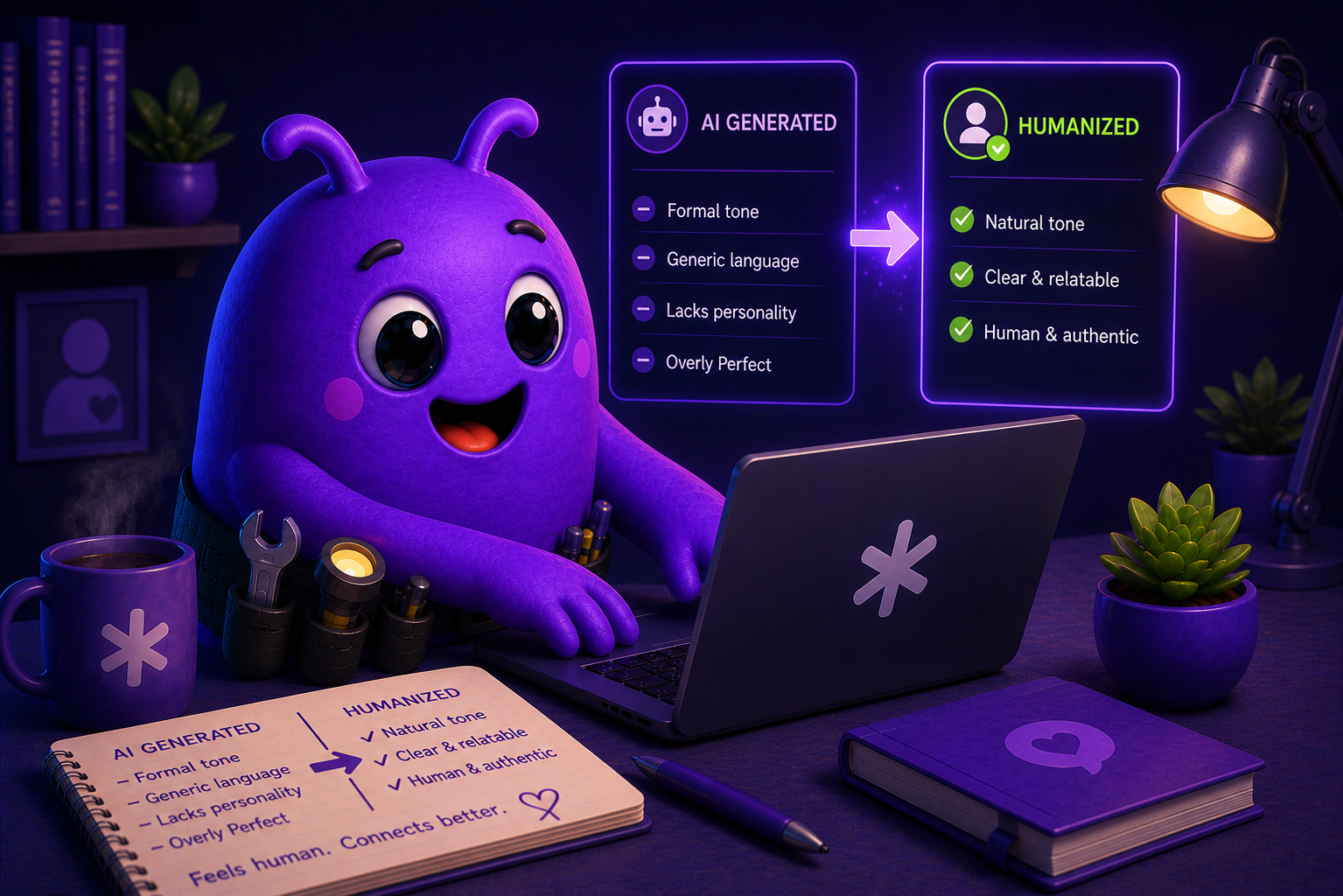
Humanize is an agentic skill that rewrites AI-generated copy to remove the most common AI writing tells, overused words, hollow phrasing, em dashes, inflated language, without changing the meaning, length, or intent of the original text. It fixes the style, not the substance.
What it removes:
At it’s core the skill starts with known AI tells as documented in Wikipedia – en.wikipedia.org/wiki/Wikipedia:Signs_of_AI_writing, then adds additional AI writing tells on top of that base.
- Overused AI vocabulary (“pivotal,” “underscore,” “tapestry,” “delve,” “vibrant,” and 50+ other words and commonly used phrases)
- Em dashes, replaced entirely with commas, colons, or sentence breaks
(*Important: depending on the model, it can be very difficult to force it to stop using em-dashes. Always review your final output) - Puffery and fake significance (“a pivotal moment in the evolving landscape of…”)
- “Not just X, but Y” constructions, collapsed into plain statements
- Excessive bold formatting
- Chatbot sign-offs like “I hope this helps” and “Let me know if you need anything”
- You can add new tells to the skill by simply editing the skills.md file from your platform’s dashboard (if available), or using a text editor on your computer, then re-uploading the skill.
After each pass, the skill tells you exactly what was changed and asks whether you want further edits or to download the result as a Word doc, plain text, or Markdown file.
Installation (easiest way)
The easiest way to install skills on most platforms is to either download the skill, or copy the GitHub URL and tell your platform “Install this skill” and give it the link or the file. Today most platforms will install the file from your prompt.
Claude Cowork Installation
- To install: Unzip humanize.zip,
- Then go to Cowork → Settings → Capabilities → Skills → Upload Skill, and select the unzipped humanize folder.
- That’s it.
How to use it:
- Install Humanize to supplement your already existing AI content process. Even if you have your projects, and work spaces all set up with your brand’s voice, AI can still use it’s familiar tells in your writing. Humanize is an extra fail safe against that.
- There are no slash commands. Once the skill is installed it activates automatically on most platforms or there’s a toggle to turn it on.
- Once its installed you can use natural language to run it against your pasted or, uploaded or other AI created copy such as:
- “Humanize this”
- “Make this sound human”
- “Remove the AI tells”
- “This sounds like ChatGPT, fix it”
- “Clean up the AI writing”
No special syntax required.
Change Log
v1.0.0 – Initial release.
- Humanize rewrites AI-generated copy to remove detectable AI writing patterns across seven categories: overused vocabulary, structural patterns, puffery and significance inflation, copula avoidance, formatting artifacts, collaborative chatbot language, and knowledge-cutoff disclaimers.
- Em dashes are eliminated entirely.
- The skill preserves the original meaning, length, and intent throughout.
- After each pass, it delivers a plain-language change report and offers further edits or file download in Word, plain text, or Markdown.
- Activated via natural language, no slash commands required.
___
v1.1.0
Released: 2026-05-10
Structural refactor to align with the Anthropic Agent Skill standard. No change to the rewrite logic; the skill produces the same output on the same input as v1.0.0.
Frontmatter
- Moved
License: MITout ofmetadatato a top-levellicense: MITkey (lowercase, per standard) - Added top-level
compatibilityfield, platform-agnostic - Added
metadata.homepagepointing to https://smbconsultants.ai
Structure
- Extracted the AI vocabulary list (formerly Section 2A) to
references/ai-vocabulary.mdand explicitly wired it into SKILL.md so the agent loads it on every humanize pass - Added
VERSION.mdto track release history - Added
README.mdfor distribution (excluded from the skill zip) - Removed the author and homepage block from the SKILL.md body; that information now lives in
metadata
Vocabulary list expansion
Expanded references/ai-vocabulary.md from ~37 entries to ~59, organized into five sections:
- High-priority replacements (most common tells)
- Corporate and consultancy tells (9 new entries: leverage, utilize, facilitate, streamline, seamless, holistic, paradigm, synergy, ecosystem)
- Inspirational and aspirational tells (7 new entries: unlock, empower, resonate, journey, elevate, thrive, embark on)
- Marketing and lifestyle tells (2 new entries: curated, immerse)
- Inflation tells (4 new entries: plethora, myriad, paramount, quintessential)
Also added three new throat-clearing opener patterns to Section 2B: “In an era where…”, “At the heart of…”, “It’s worth noting that…”
Self-consistency fixes
- Removed all em dashes from SKILL.md body. The skill’s own hard rule is em dash elimination, and the v1.0.0 instructions violated that rule three times.
- Added an em dash check as item 6 of the Step 3 final review pass
Custom Configurations
A custom version of Humanize with special features can be customized to order. Custom AI skills is a paid service offering, available for individual operators and team deployments.
For inquiries: Let’s talk!
About Me

Harold Mansfield
AI Support Specialist

I help SMBs turn AI confusion into AI solutions.
My background spans 15 years in IT support, infrastructure, cybersecurity, and systems administration for SMBs and corporate teams.
I also build things. Most recently I conceived, built, and shipped Samaritan, a 12-agent autonomous OSINT platform built on OpenClaw, running on ParrotOS complete with custom skills and plugins.
I don’t just talk about AI, my experience comes from developing, building, breaking, fixing, and shipping AI products and solutions.
If you are ready to stop wasting time and money, and start utilizing AI to save time and increase productivity, let’s schedule a 30 min video chat and start turning your AI problems into AI solutions.