

Author: Harold Mansfield
Version: 1.0.0
Platform: 🦞 OpenClaw
License: MIT
MultiClaw
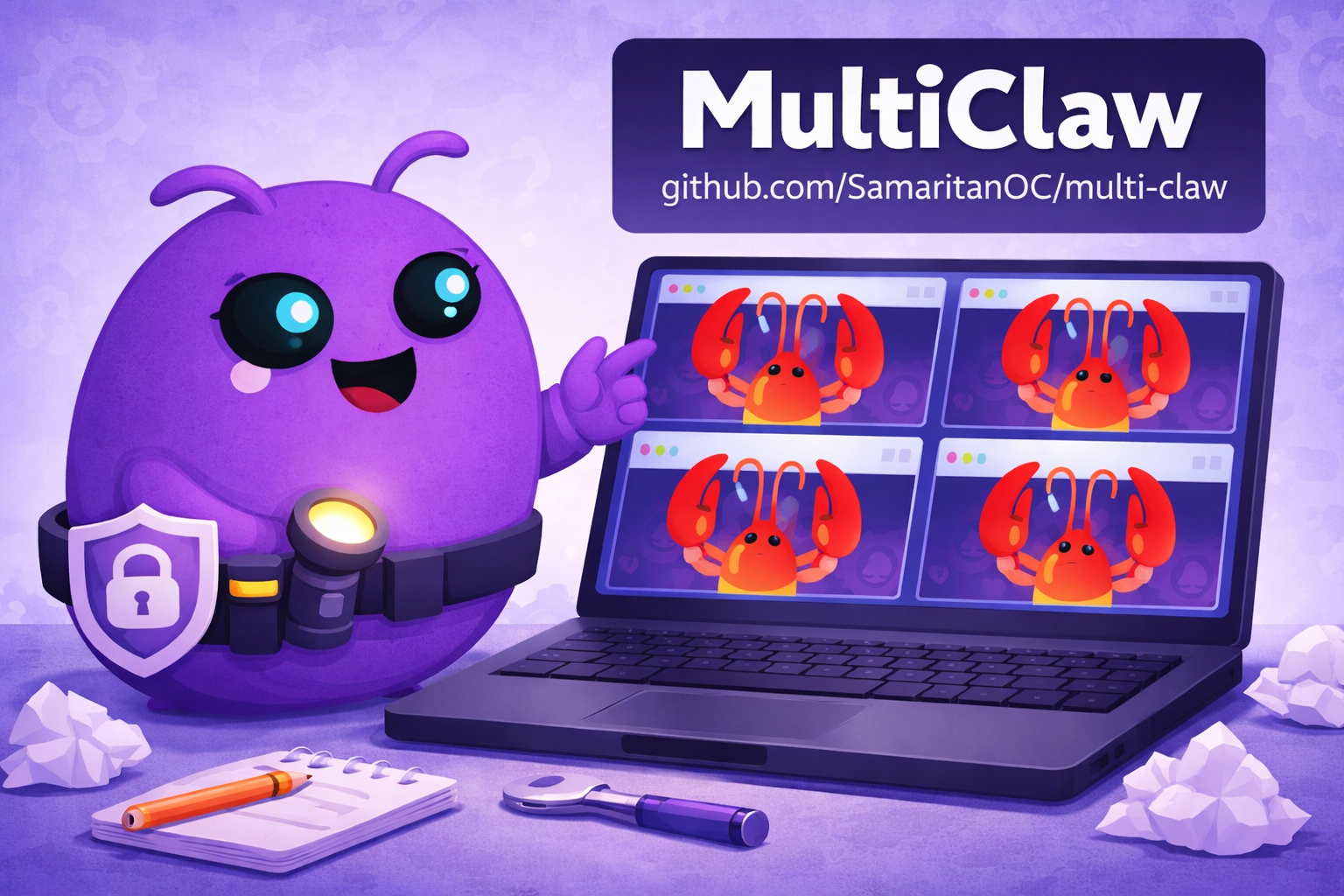
Built with OpenClaw administrators in mind, MultiClaw lets you run multiple, fully functional, OpenClaw Mission Control dashboards from a remote Windows or Linux computer. Each window is independent, with its own login, its own session, arranged however you want on your desktop
How it works
- Open MultiClaw — the OpenClaw Mission Control login screen appears automatically
- Enter your gateway URL and token to connect to your first installation
- Log into a second OpenClaw installation in the new window
- Repeat for as many installations as you manage
- Arrange and resize your windows however you want. Your sessions persist between launches
Requirements
- One or more OpenClaw installations, each running and accessible
- Tailscale with each host on your tailnet
- Each host gateway exposed via Tailscale Serve
- Debian-based Linux on the machine running MultiClaw
Installation
Download the latest release:
					wget https://github.com/SamaritanOC/multi-claw/releases/latest/download/multi-claw-amd64.deb
sudo dpkg -i multi-claw-amd64.deb
Or install the AppImage:
					wget https://github.com/SamaritanOC/multi-claw/releases/latest/download/MultiClaw.AppImage
chmod +x MultiClaw.AppImage
./MultiClaw.AppImage
First launch
- Open the MultiClaw app
- Enter your gateway URL (e.g. https://your-machine.tailnet-name.ts.net)
- Enter your gateway token (found in ~/.openclaw/openclaw.json under gateway.auth.token)
- Click Connect
- On your OpenClaw host, approve the pairing request:
					openclaw devices list
openclaw devices approve <requestId>
- Pairing is a one-time step per device. After that the app connects automatically on every launch.
- Pairing codes expire after 1 hour. If approval times out, close MultiClaw, reopen it, and approve the new pairing request before the hour is up.
- If you do not see a pending device, confirm your gateway URL is correct and that Tailscale is connected on both machines.
Each window remembers its session between launches, you won’t need to log in again unless your token expires.
Custom Configurations
It may be possible to configure a custom version of MultiClaw using a different OpenClaw dashboard. Custom AI skills is a paid service offering, available for individual operators and team deployments. For inquiries: Let’s talk! | Email me directly.
Full installation instructions and documentation on Github
About Me

Harold Mansfield
AI Support Specialist

I help SMBs and teams turn AI confusion into AI solutions.
My background spans 15 years in IT support, infrastructure, cybersecurity, and systems administration for SMBs and corporate teams.
I also build things. Most recently I conceived, built, and shipped Samaritan, a 12-agent autonomous OSINT platform built on OpenClaw, running on ParrotOS complete with custom skills and plugins.
I don’t just talk about AI, my experience comes from developing, building, breaking, fixing, and shipping AI products and solutions.
If you are ready to stop wasting time and money, and start utilizing AI to save time and increase productivity, let’s schedule a 30 min video chat and start turning your AI problems into AI solutions.