
How an AI OS works
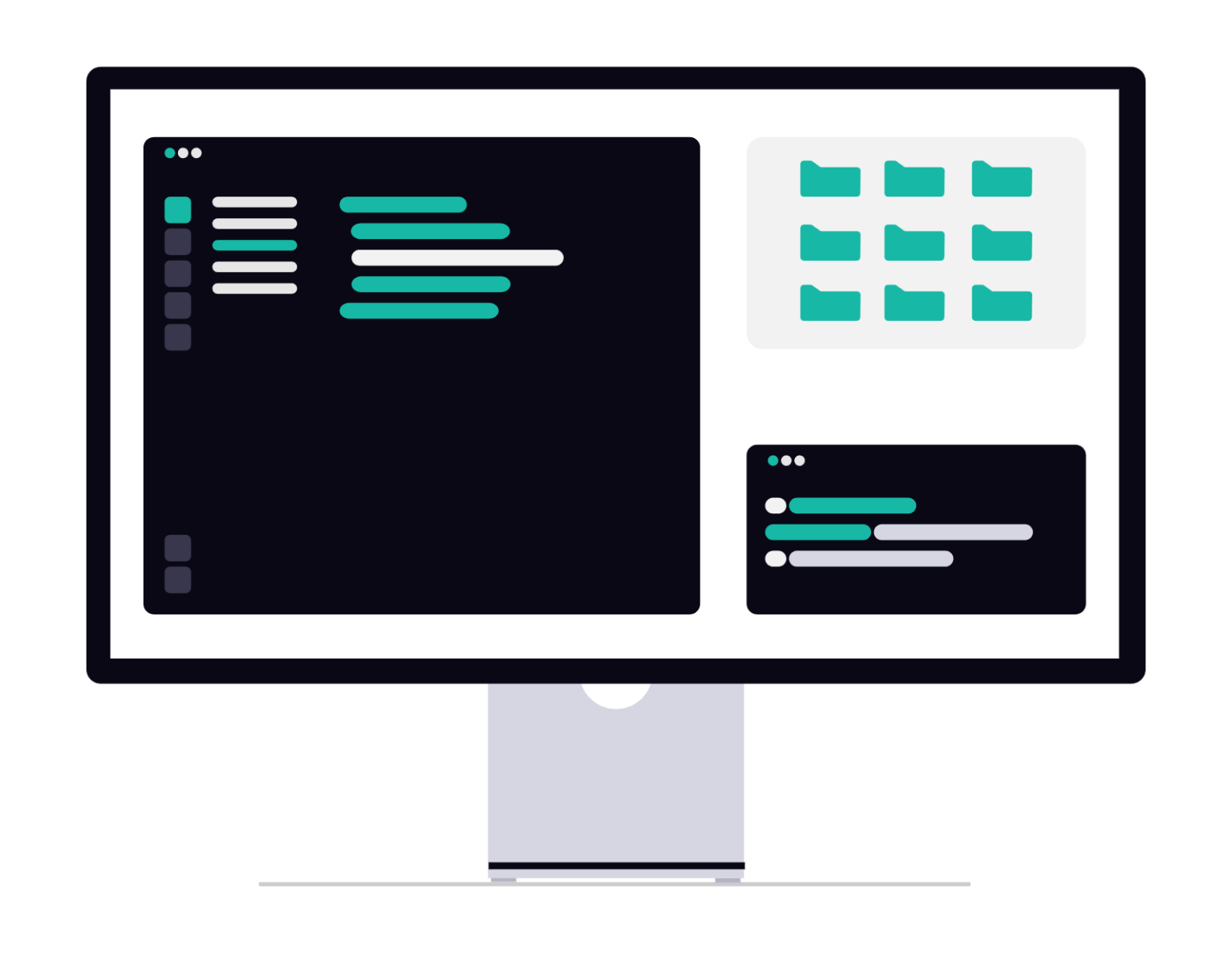
It’s built in Obsidian, a free app that runs locally on your computer. It holds your business context, your brand voice, your client records, your active projects, and your preferred workflows. When you open a session with Claude, Codex or the agentic platform of choice, it reads this context first. Then it works like someone who already knows your business.
Your business profile
Business overview, services, ideal clients, brand voice, and how you actually work. Written once, available every session.
Client engagement
A profile for every client: contact info, background, meeting notes, email threads, and project history. Your AI knows who it's talking about before you say a word.
Custom skills
Specific instructions for specific tasks. Whatever you do repeatedly, your AI learns to do it your way.
No vendor lock in
Your AI OS is hosted locally. That means you can use it with any Agentic AI platform including Codex, Claude Cowork, Hermes Agent, and more.
Built in Obsidian
Use it with any AI Agent
How we set it up
01
Discovery
We configure your vault structure and run a guided setup interview. This is where your AI learns who you are: your business, your clients, your services, your voice, and your goals. The more you put in, the more useful it becomes.
02
Context Build
Everything goes in. Business background. Client profiles. Active projects. Your brand voice and the words you’d never use. Your tool stack and the workflows you want to automate. We build this out together so nothing is generic.
03
Custom Skills
We identify the tasks you do repeatedly and build skills that handle them your way. Not generic AI outputs. Your voice, your format, your standards.
04
You run it
Your AI now has a home. Every session starts with context. Every output reflects your business. And as your business grows, your OS grows with it.
What you can expect
- An AI assistant that knows your business.
- Client records and activities
- Content in your brand's voice
- Consistent output across every task
- A system that gets more useful over time
- No vendor lock in. Use anywhere.
Who is this for?
Solo business owners who want AI that sounds like them, remembers their clients, and doesn’t need a five-paragraph briefing before it can help.
Small teams that need everyone working from the same context, the same client records, and the same brand voice — without the version-control headache of shared documents everyone edits differently.
If you’ve been getting generic output from AI tools, this is usually why. The tools work. They just don’t know you yet.
AI OS FAQs
How does it know everything?
Your working sessions are inside your AI OS system. Additional data is imported by API’s and your platform connectors. When you work on or query specific data, your AI OS is already working within the system that has access to that data.
Can this be used with a team?
Yes. We can configure your AI OS for your team, give team members their own workspaces, set access controls, and more. All run by a central administrator and assisted by the team set up skill that runs on the platform.
What platform does this work best on?
Since AI OS is built within Obsidian, you can work within the system from any agentic platform that lets you choose your workspace, or customize it’s soul.md file.
It’s works great with Claude Cowork, I’m also runing it with Hermes Agent, and AionUI and it’s wonderful.
What about skills and connectors?
Skills are organized inside your AI OS setup so that they can be accessed and used no matter what platform you’re on.
Connectors have to be set up per platform. So, for instance, if you use the PayPal connector in Cowork, but want to do some things with Codex, you can still work within your business workspace with Codex and it will make all the notes, and updates like normal. However you would have to also connect the PayPal connector to Codex if you need live access to your PayPal features and data.
So data and skills goes with you. Platform connectors, MCPs, and API’s need to be configured per platform.
What do you mean by locally hosted?
AI OS system lives on your computer, can be configured to run on other office hardware or in the cloud for team or remote access.
Note: If you’re using a cloud AI model such as Claude or Codex it is still processing data in the cloud.
If you’re using an Enterprise plan you’ll need to check the data protection terms of service. AI OS (actually all AI tools) is only fully private when run with a locally hosted AI model via LM Studio, Ollama or similar.
Can it be customized?
Yes. Your AI OS can be configured to match your business. Whereas one business may need a focus on client relationships, another may focus on managing properties. No two businesses are alike, and no AI OS configuration is one size fits all.
The initial set up covers general business operations. From there we customize it for specifics.
What about security?
Agentic OS security is a real issue that many overlook. Once I know your specific needs, I will configure an AI OS security module that not only addresses those concerns, limits agent access and functions as needed, and sets rules against common security issues and exploits against AI agents
How well does this scale?
AI OS works best with small businesses and teams. It is designed to be flexible and grow with your business and can be customized to keep up with your changing needs.
Note: Enterprise users may need a more robust system depending on the current size and scale of the organization or the team using the system.
How is this different from projects?
Projects are siloed pockets of data and instructions, generally catered to completing a specific task. When your agent works within a project, it’s limited to the information within it.
An AI OS is a full workspace of your business operations. When you give an agent a task, it has access to all of your business data and pulls information as needed. It does not load your entire operations stack, it focuses on the specific task at hand, gilded by the Agent.md file that tells it where that data is.
Does using this burn tokens?
No. An AI OS system is designed to be efficient and guide the AI agent to access information as needed. This saves tokens and time because you no longer have to waste your context window loading data and instructions per task. This means you get more usage per session window, and starting a new session doesn’t mean reloading previous instructions or data.
AI OS files are in markdown which AI models to read quickly, rather than uploading various media formats and waiting for the AI model to translate.
However, more functionality and an overall more enjoyable experiences means you’ll probably be using your AI OS more frequently. You can reduce your token expenditure as you learn to use AI models more efficiently, and for the tasks that they are best at. I can help guide you in that area.
Can I run this myself?
Yes. Running your own AI OS may be considered “advanced” usage, but the automated set up and operating skills help you keep your AI OS system clean, organized, and updated. We will configure the system that you need, rather than building a bunch of features that just get in the way.
Are you available for continuing support?
Of course. I can be free to provide continuous consulting and training as needed on a monthly retainer, or on call as needed during normal business hours.
How do we get started?
The first step is a 30-minute call to figure out where you are, what you actually need and if an AI OS system makes sense for you and your organization.
"Harold is amazing at what he does...not only help with web but also with other IT issues I may have plus he is a great biz coach. "

"gives everyone concierge-level service...seriously knows his stuff. If you are looking for an IT guy, Harold is your man. I highly recommend him!"
🤖 Ready to build yours?
Let’s talk and we’ll figure out whether an Agent OS
is the right fit for where you are right now.